What is a tracker?
How rooms generate your hand history files, and what a tracker does with them.

Gandalf
Co-founder of Poker Sciences
Before talking about the tracker itself, you need to understand where the data comes from. When you play poker online, the room records every hand in a text file on your computer. That's the starting point of any analysis.
1. Hand history files
For every hand played, the room writes everything that happened into a text file: the players seated, the cards dealt, every action (fold, call, raise, all-in), the amounts, the board, and the final result.
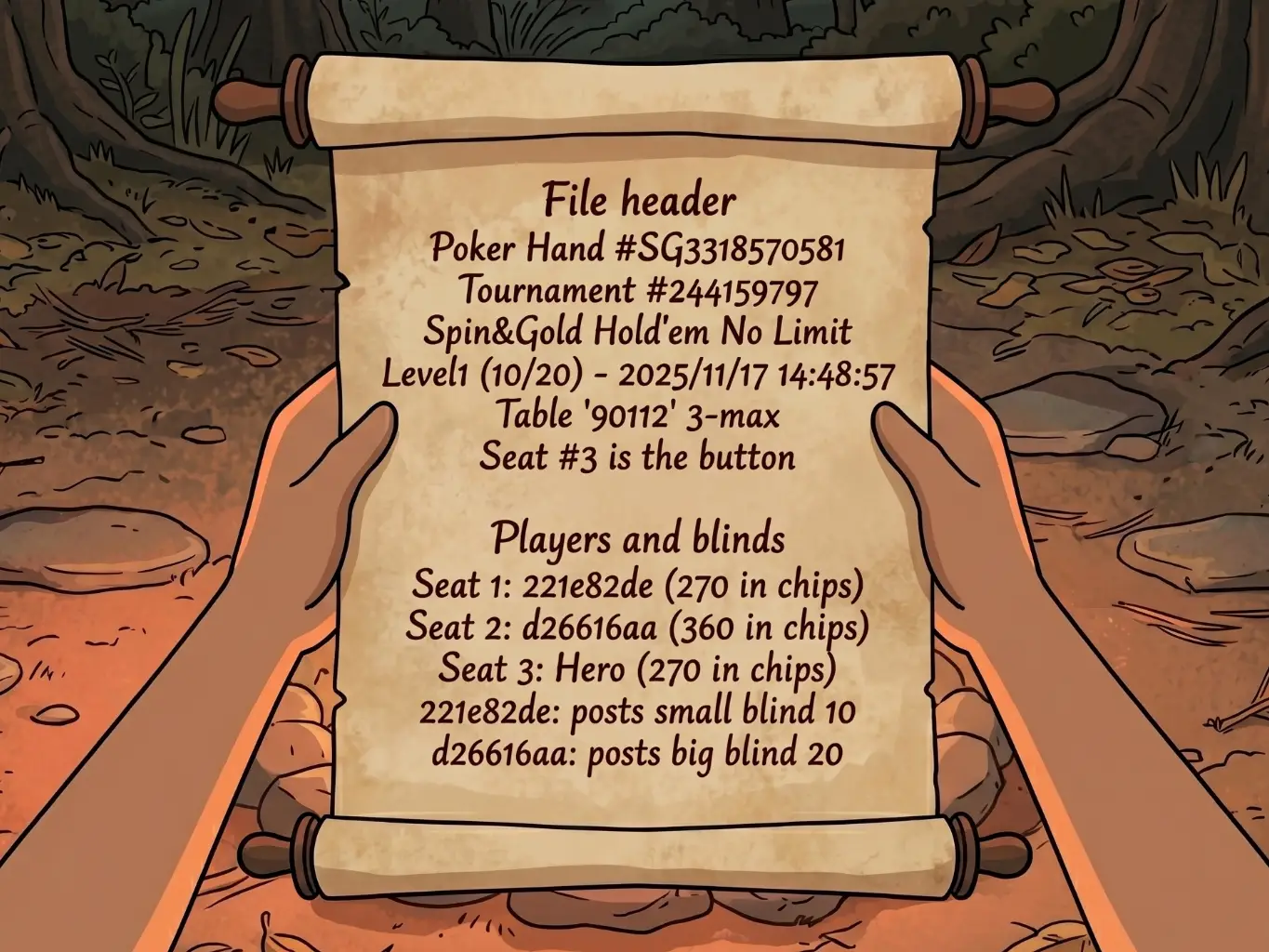
Here's what a complete hand recorded by GGPoker looks like, for example:
File header Poker Hand #SG3318570581 Tournament #244159797 Spin&Gold Hold'em No Limit Level1 (10/20) - 2025/11/17 14:48:57 Table '90112' 3-max Seat #3 is the button
Players and blinds Seat 1: 221e82de (270 in chips) Seat 2: d26616aa (360 in chips) Seat 3: Hero (270 in chips) 221e82de: posts small blind 10 d26616aa: posts big blind 20
Preflop Dealt to 221e82de Dealt to d26616aa Dealt to Hero [Th Kd] Hero: raises 20 to 40 221e82de: folds d26616aa: calls 20
Flop [2d 9h 8h] d26616aa: checks Hero: bets 45 d26616aa: folds
Result Total pot 90 | Rake 0 Board [2d 9h 8h] Seat 1: 221e82de (small blind) folded before Flop Seat 2: d26616aa (big blind) folded on the Flop Seat 3: Hero (button) won (90)
Example of a hand history file on GGPoker
It's raw text, readable but not really usable as is. Analyzing all of that is then the tracker's job.
The exact file format changes depending on the room: Winamax, PokerStars and GGPoker write structured text, iPoker uses XML, Betclic has its own format.
On most rooms, these files are written automatically to a folder on your computer while you play. On some rooms (like Betclic), you have to export them manually from the software.
In general, there is one file per Spin and, inside each file, one entry per hand.
But on many rooms there are sometimes two files instead of one: the hand history files (the details of every hand) and the summary files (the tournament summary with the buy-in, the finishing position and the winnings). The tracker needs both files to rebuild the complete picture.
2. What the tracker does with them
The tracker reads these files, extracts all the information, and sorts it into structured tables inside a database on your computer. For example, here's what the tournaments table looks like (simplified):
| Tournament | Room | Buy-in | Multi | Position | Profit | CEV |
|---|---|---|---|---|---|---|
| #244159797 | GGPoker | $100 | x3 | 2nd | -$100 | +12 |
| #244159869 | GGPoker | $100 | x2 | 1st | +$100 | +45 |
| #244161474 | GGPoker | $100 | x4 | 3rd | -$100 | -8 |
And the hands table looks like this:
| Hand | Tournament | Position | Cards | Action | Pot | Result |
|---|---|---|---|---|---|---|
| #1 | #244159797 | BTN | Ad 3s | Fold preflop | 20 | 0 |
| #2 | #244159797 | BB | Kd 8c | Fold vs shove | 40 | -20 |
| #3 | #244159797 | SB | Qh Js | Call → Showdown | 600 | +280 |
The two tables above are what we call unit tables: the tracker adds one row for every hand or tournament imported. This is the base data, the raw history. They only grow as imports pile up.
But the tracker also builds aggregated tables: tables that summarize the unit data to draw usable metrics from it. For example, a table that automatically calculates your stats per day:
| Date | Tournaments | Total buy-in | Profit | CEV | ITM % | Play time |
|---|---|---|---|---|---|---|
| 11/17/2025 | 48 | $4,800 | +$320 | +892 | 38% | 1h42 |
| 11/18/2025 | 62 | $6,200 | -$180 | +410 | 31% | 2h15 |
| 11/19/2025 | 35 | $3,500 | +$95 | +605 | 40% | 1h10 |
The difference matters: unit tables only grow (rows are added to them), while aggregated tables are entirely rebuilt from the unit data with every import.
That's why it's difficult to "delete a few hands" from a database. Unit tables are simple to modify, but aggregated tables have to be entirely recalculated. It's a constraint that every tracker shares.
Small practical note: the database is not stored in the same place as the application. That means uninstalling the tracker doesn't delete your data.
For Poker Spin Tracker, it lives in a hidden .pst2 folder, at the root of your user folder:
- Mac:
~/.pst2/ - Windows:
C:\Users\<your name>\.pst2\
That's where you'll find your database files (pst2.sqlite and pst2.duckdb).
Every tracker adopts an organization of its own. No two trackers will ever have exactly the same tables, the same calculations, or the same metrics.
3. Keep it simple, not complex
If you've already heard of PokerTracker 4 or Hand2Note, you know these tools can be intimidating. They are designed to allow total customization, which means menus and an interface that are very complex to learn.
If you don't know what you're looking for, or what's relevant, it's impossible to pick out the information that matters.
And even for experienced players, it takes hours of configuration to end up with what you want.
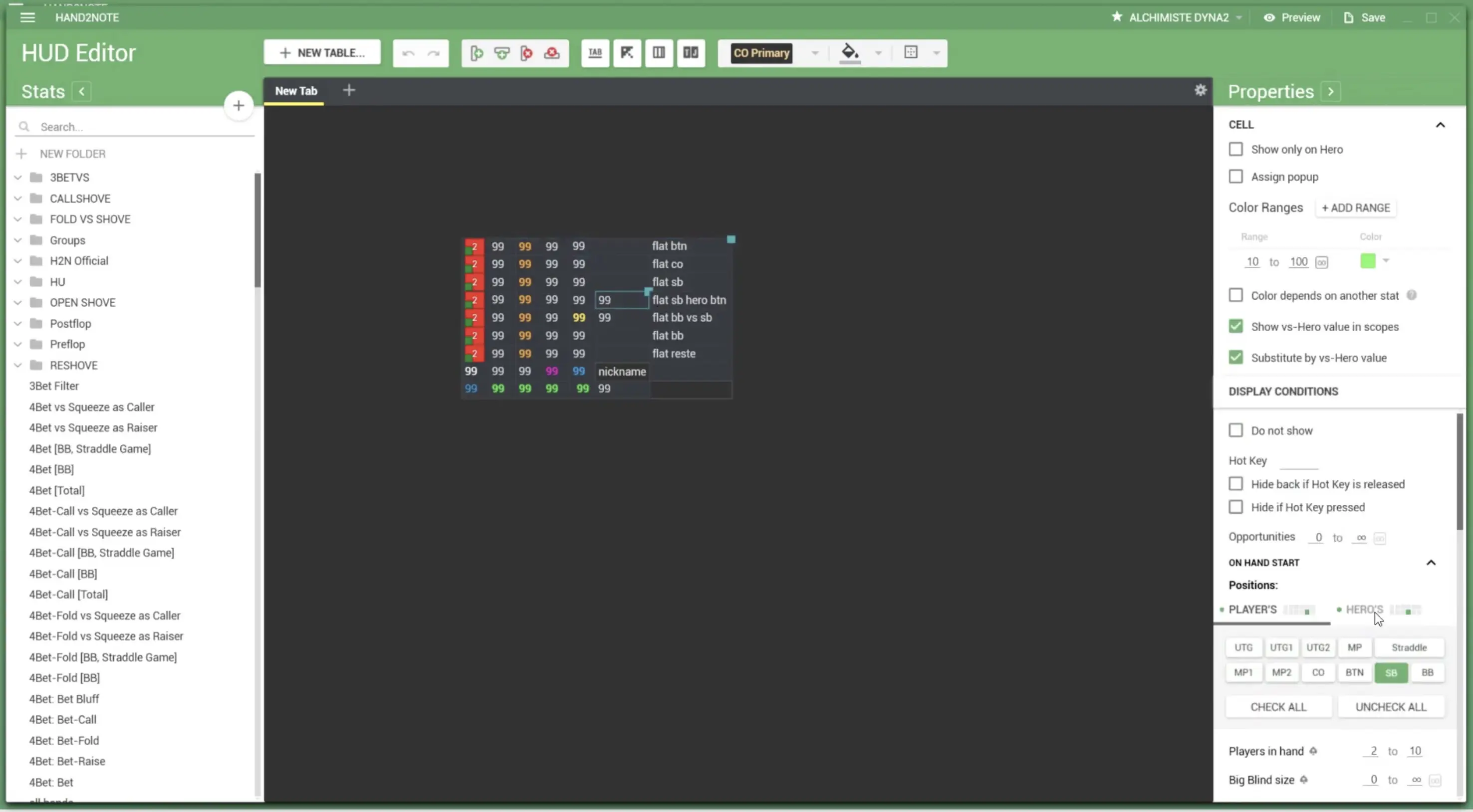
The goal with Poker Spin Tracker was to build a tracker that is very powerful but also very simple. You open the tracker, you import, and you immediately get the useful information.
Poker Spin Tracker is built exclusively for Spins (Spin & Go, Expresso...). This specialization makes it possible to simplify everything: no settings for the number of players, no complex filters. Every screen is designed to give the information you need, when you need it.
Poker Spin Tracker only handles Spins. If an import contains regular tournaments or cash games, they won't be taken into account.
4. Tracker ≠ Study Pack
This is a bit off-topic, but since we're explaining how a tracker works, we may as well clear this point up. We often get this question on Discord: what's the difference between Poker Spin Tracker and the Study Pack we offer on the website?
The tracker analyzes the hands played: it looks at what was done.
The Study Pack, on the other hand, brings together reference charts, Strategy Guides, a Trainer, and more: it teaches what should be done. It will also cover postflop later on.
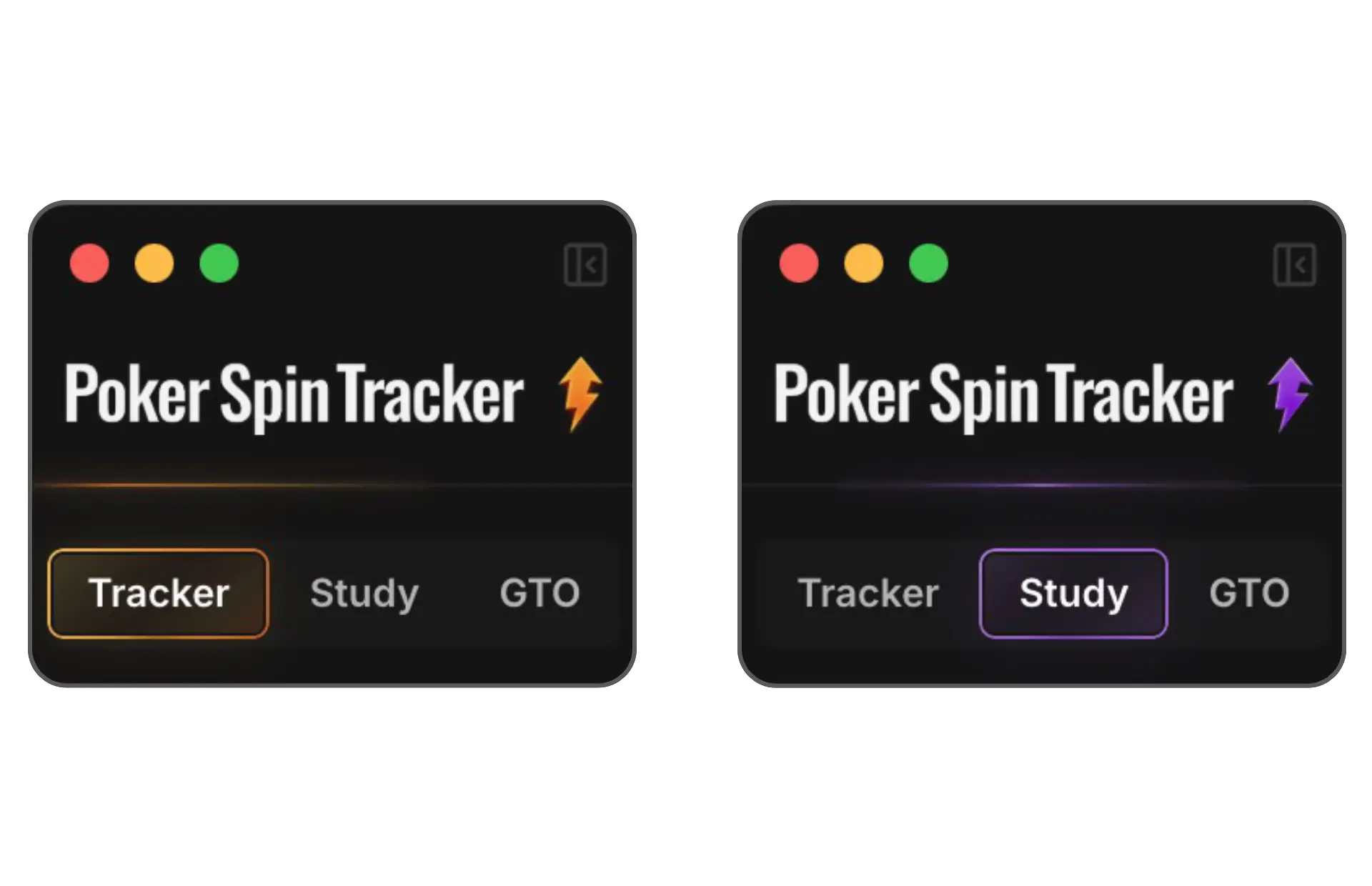
Two distinct roles, but a single piece of software: the Pack's content doesn't live on a separate website, it lives directly inside Poker Spin Tracker, in the "Study" area. You switch from the tracker to that area in one click, from the selector at the top of the sidebar.
Key takeaways
• Rooms write text files for every hand played. Some do it automatically, others require a manual export
• The tracker sorts this data into a database organized into unit tables (one row per hand/tournament) and aggregated tables (stats recalculated with every import)
• This database is stored separately from the application: uninstalling the tracker doesn't delete the data
• Poker Spin Tracker is a tracker specialized in Spins, designed to be simple and immediately readable