
Configure your room?
The fastest chapter in the Academy, and you're about to see why.

Gandalf
Co-founder of Poker Sciences
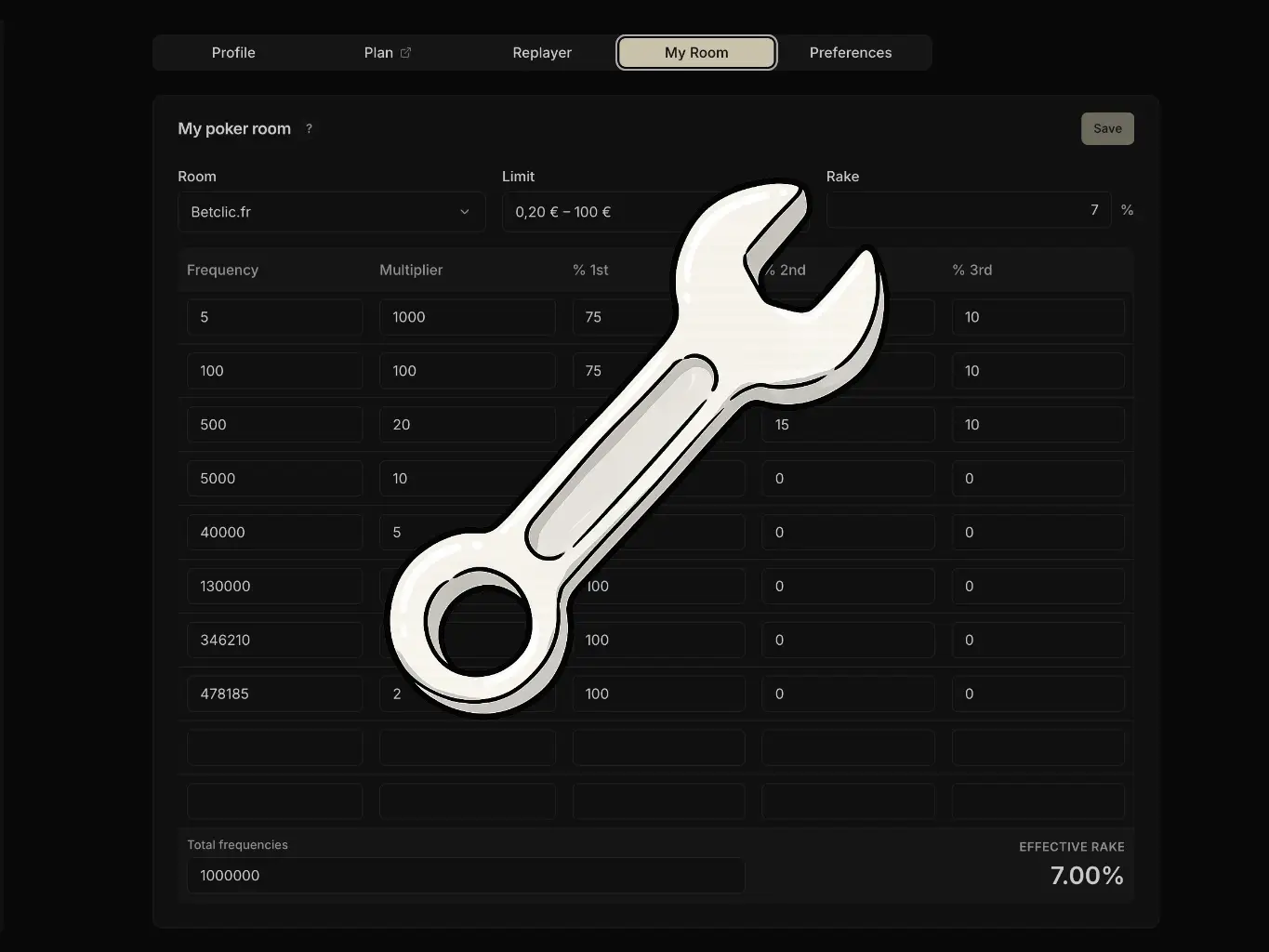
Good news: this chapter no longer exists. In version 1 of the tracker, you had to enter your room and your stake yourself for every euro-based calculation to work: it was the most thankless step of the whole setup, and plenty of players forgot it along the way.
Since version 2 of Poker Spin Tracker, all of that is automatic. Your rooms are detected from the hands you import, with the multipliers and the rake of each stake already pre-filled.

So in practice, since you're on version 2 of Poker Spin Tracker, there is nothing for you to do: Effective EV Profit, the bankroll simulation, the multiplier chart and the replayer's winnings all work from your very first import.
Which means you can head straight to the next chapter. Stay another two minutes if you want to know about the one setting that's left, and it's entirely optional.
Customizing a room (optional)
Head to My account → Preferences → Room. The Your rooms card lists every room and every stake detected in your imports, along with the number of tournaments played and the matching effective rake.
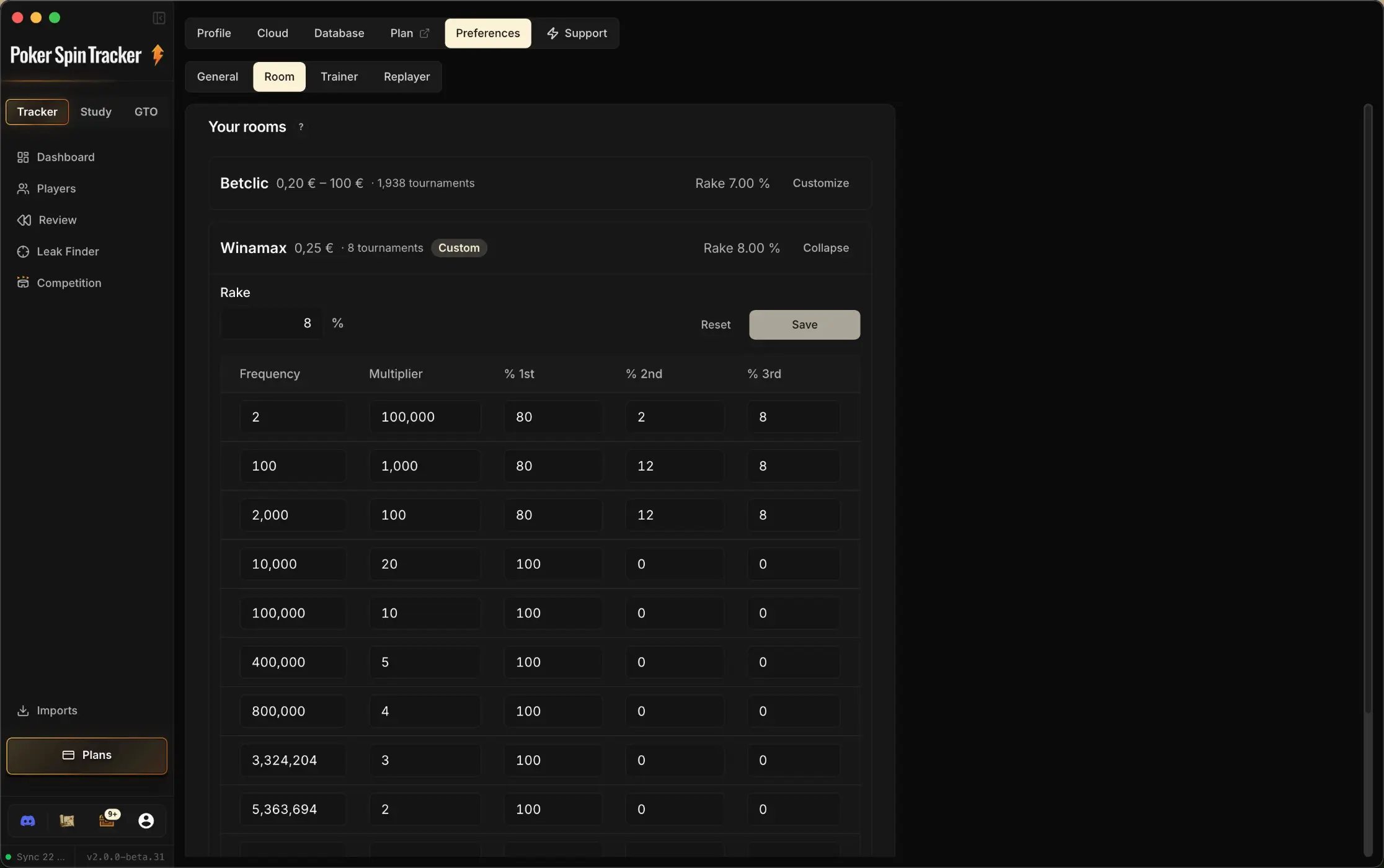
The Customize button opens the full structure: the frequency of each multiplier, the multiplier itself, and how the winnings are split between 1st, 2nd and 3rd place. The rake and the frequency total are edited in the same place.
Once your values are in, click Save: the room then carries a "Custom" badge. The Reset button restores the original structure whenever you want.
What's it for? Rooms sometimes change the way their multipliers are distributed. We update these structures regularly, but if you notice a discrepancy with what your room shows, you can fix it yourself without waiting.
In the vast majority of cases, you will never have to touch any of it.
What now?
You now have everything you need to get started! You know why data is essential in Spins, what the three pillars of a Spin player are, how the tracker works and how to import your hands into it.


It all continues in the next chapter: The 4 Dashboard KPIs.
Time to get down to business...