The Replayer
Everything you need to know to get the most out of the Replayer.

Gandalf
Co-founder of Poker Sciences
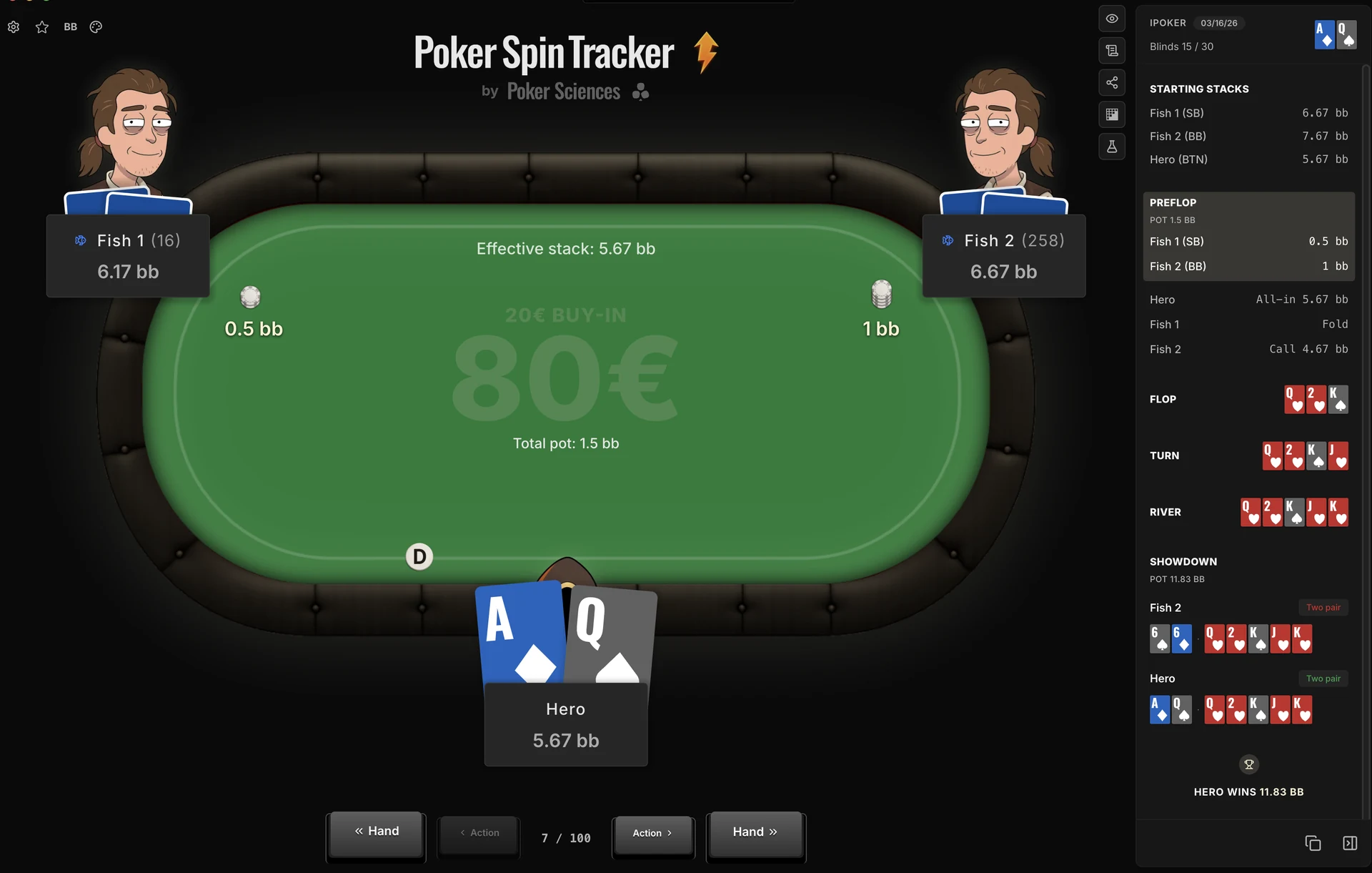
The Replayer lets you review the hands or the Spins you have played. It's that simple. We tried to build the best interface we could, so that it is a pleasant experience and makes you want to spend time studying your game.
You mostly open it from the Hands view and the Spins view. But you can also open it from other places in the tracker (Leak Finder, import summary, etc.) that the upcoming modules will cover along the way.
1. Two Replayers, one interface
The difference between the two Replayers (hands or spins) comes down to the entry point and to the scope of hands you can browse from the open window.
| Opened from | Navigable hands | Typical use case | |
|---|---|---|---|
| Hand Replayer | A hand (Hands view) | The hands on the filtered page (prev/next) | Working through a filtered sample hand after hand |
| Spin Replayer | A Spin (Spins view) | All the hands in the Spin | Putting a hand back in its context (stacks, opponents, earlier hands) |
For everything else, the interface is strictly identical.
2. Navigate and display
Two levels of navigation
- ◀ Action / Action ▶ moves forward or back one action at a time (blinds, raise, call, fold, bet, check).
- ◀◀ Hand / Hand ▶▶ jumps to the previous or next hand in the window.
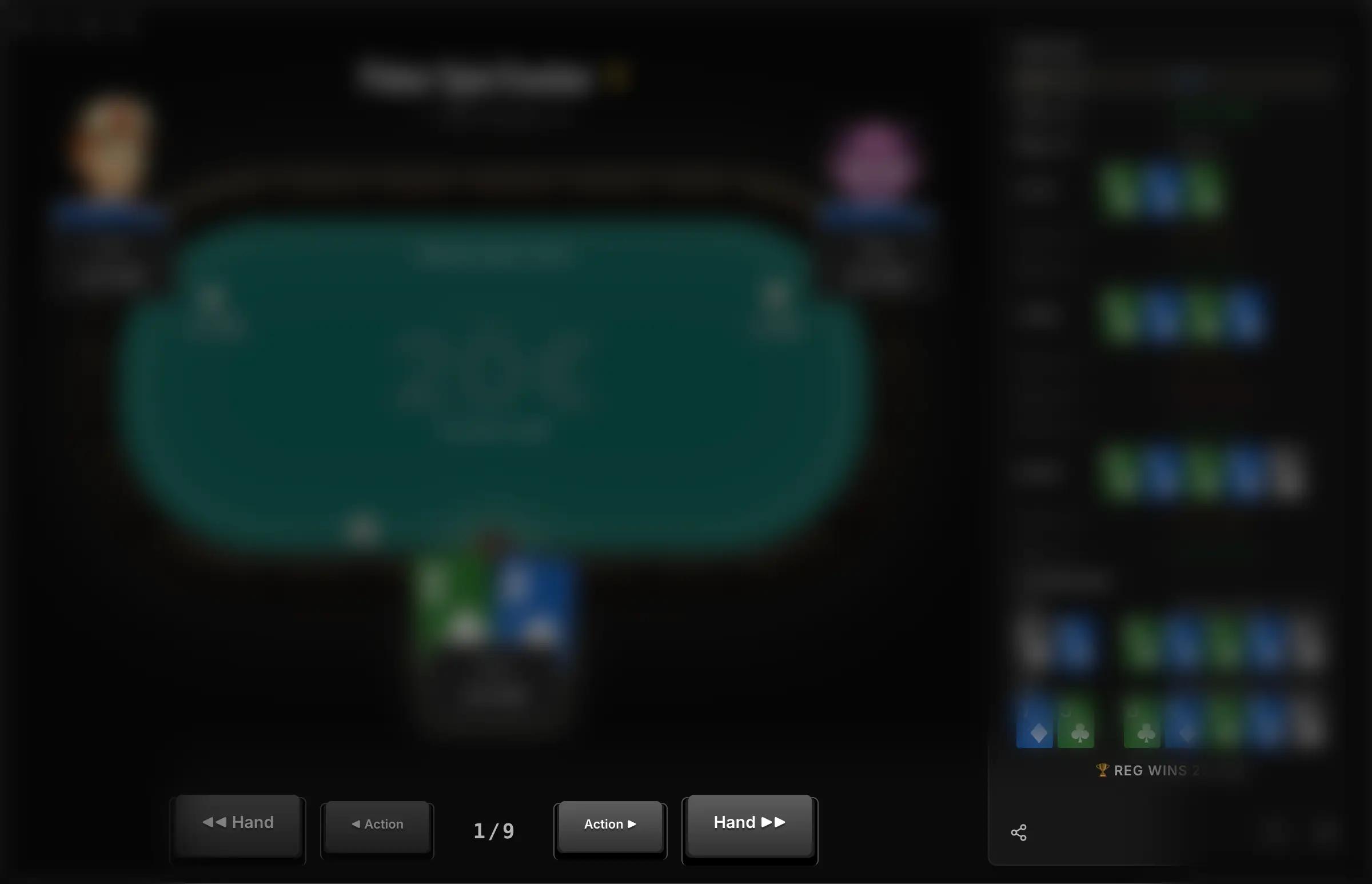
In the Spin Replayer, a third pair of controls ◀ Spin / Spin ▶ joins the bottom bar: it jumps to the previous or next Spin in your list, so you can move from tournament to tournament without going back to the Spins view.
The keyboard arrows let you go faster without touching the mouse: ↑ / ↓ to move from action to action, ← / → to move from hand to hand.
These shortcuts can easily be changed in My account → Preferences → Replayer.
The action list on the right shows every action, street by street. Each line is clickable to jump straight to that action instead of stepping through one by one.
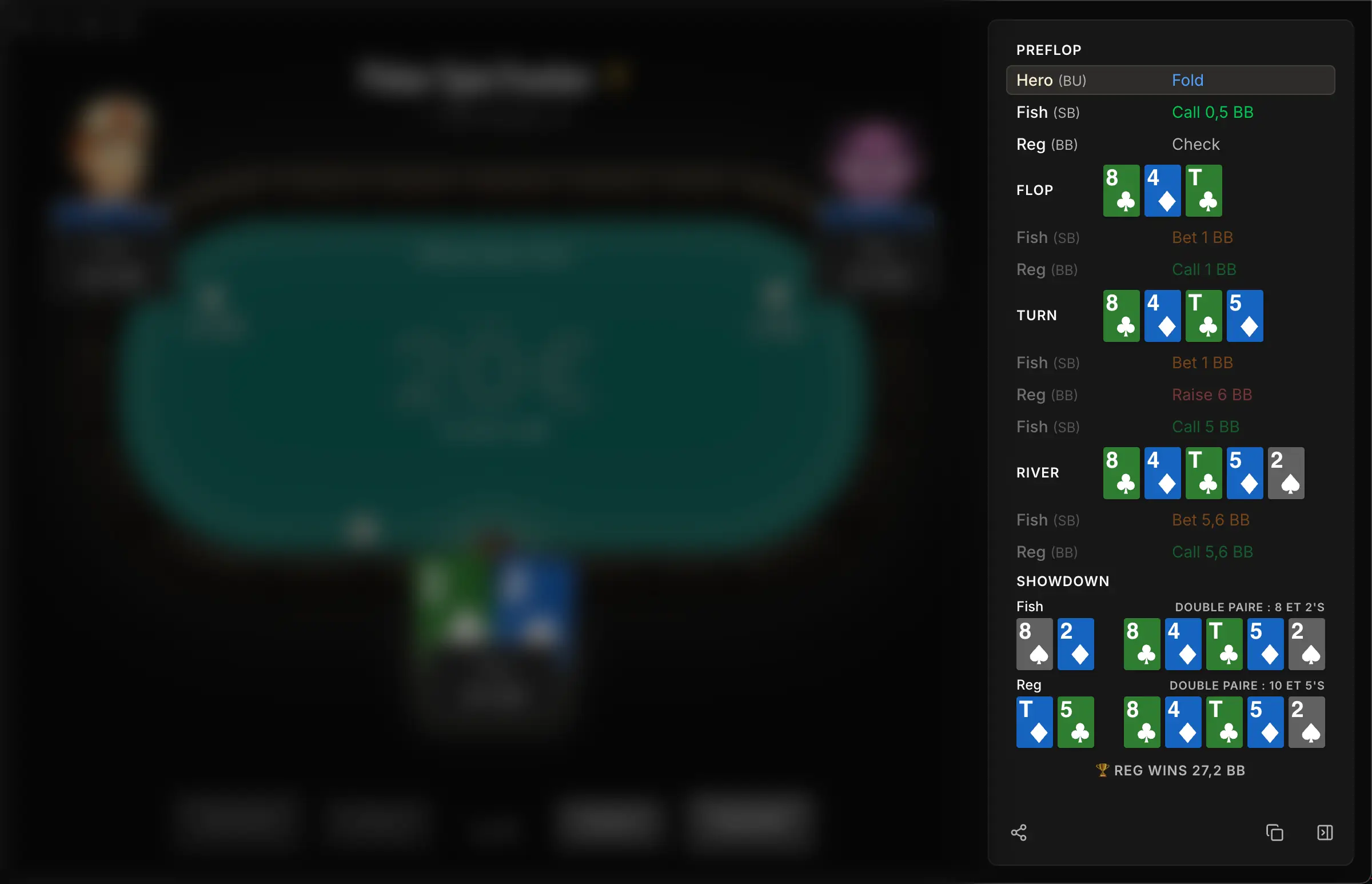
Display options
- bb / Chips switch: toggles stacks and bets between big blinds and chips. Handy to read a hand in bb, check a sizing in chips, or the other way around.
- Card themes: classic (neutral background) or suit-colored (one color per suit). The theme you pick is kept for your next sessions.
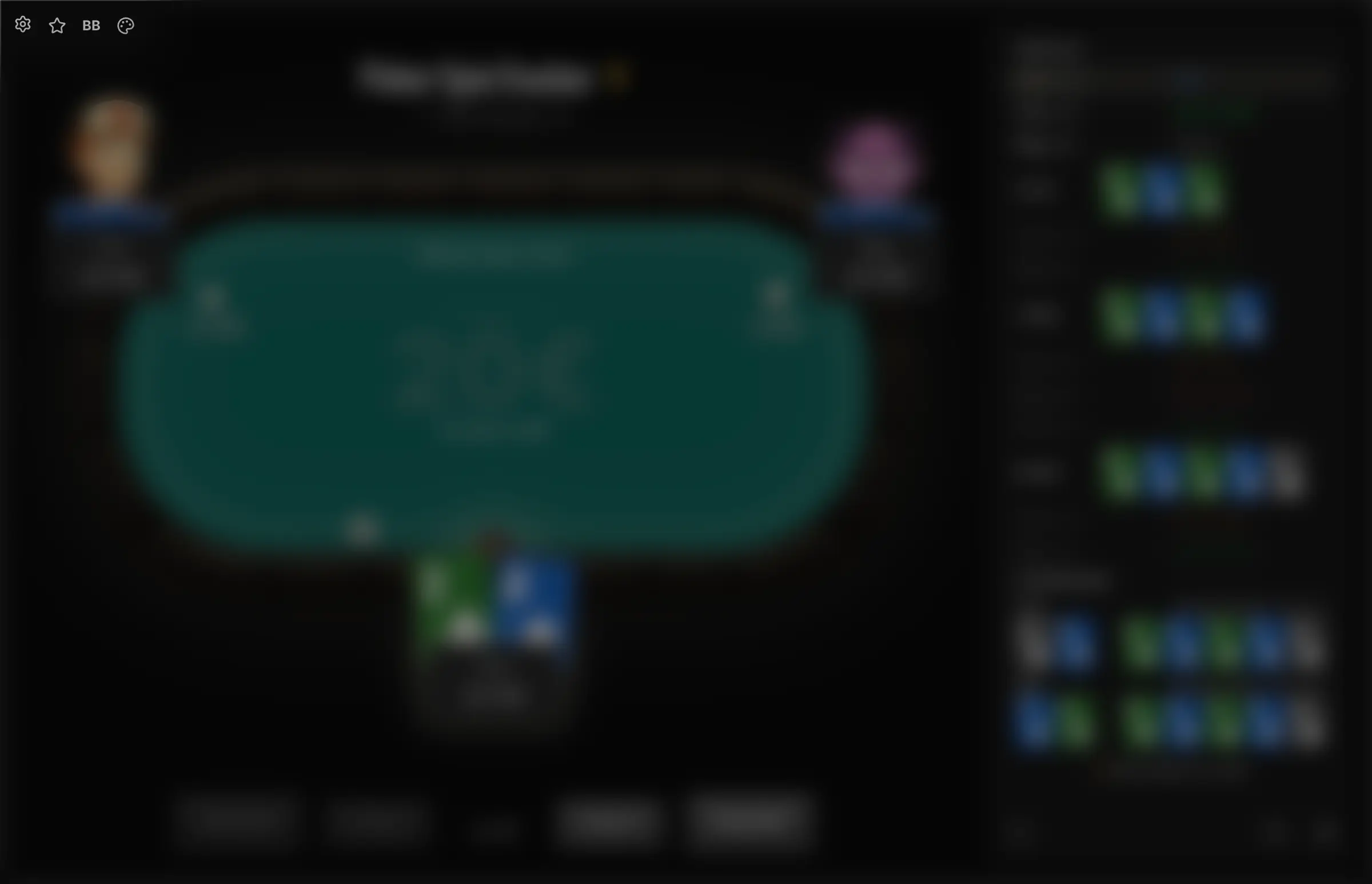
That same screen also holds the table colors, the avatars and the custom favorites.
3. The toolbar
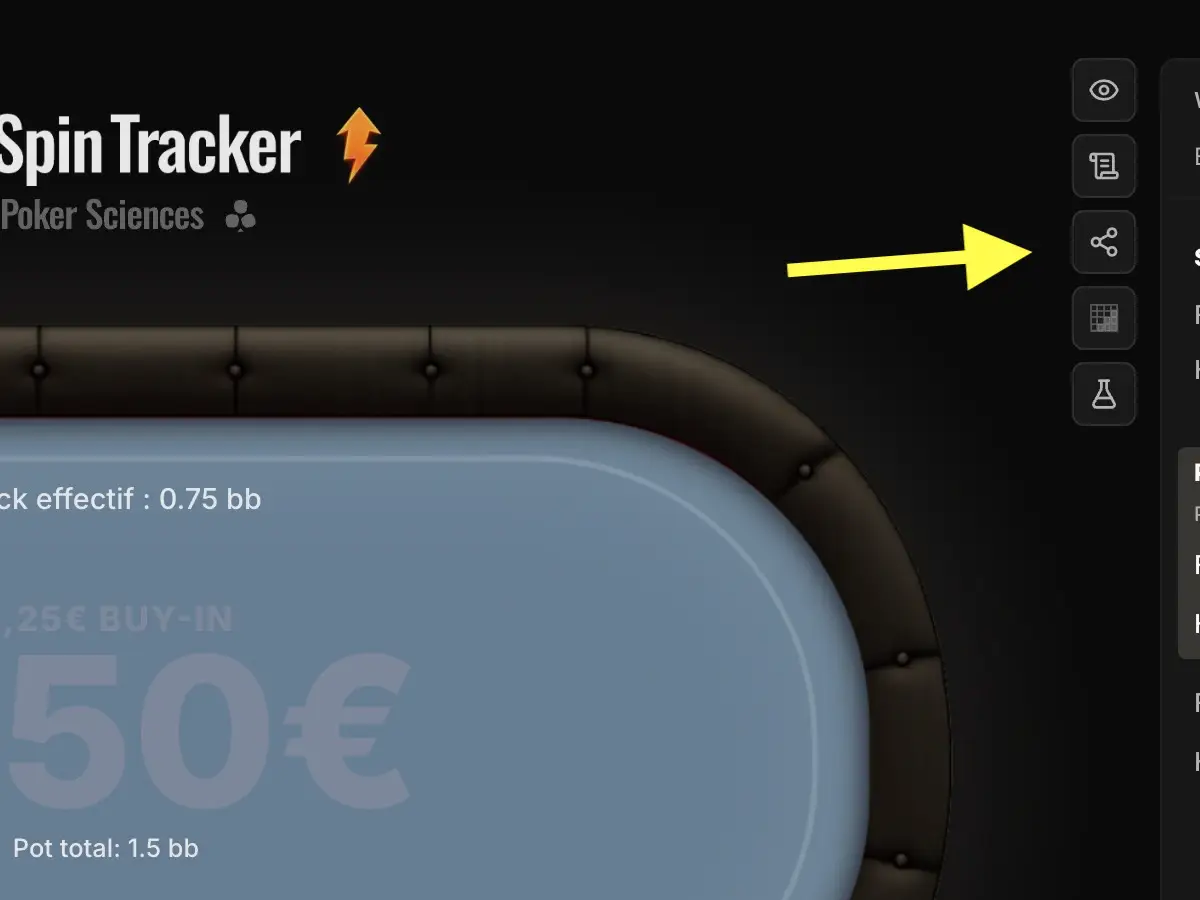
Most Replayer actions are gathered in a vertical bar, in the top-right corner of the window (it sits against the sidebar). Only Copy hand sits at the bottom of the sidebar (see just below).

| Button | Icon | What it does |
|---|---|---|
| View spin | Opens the whole Spin positioned on this hand (Hand Replayer only). | |
| Add a note | Writes a free-form note on the hand; a dot then marks the annotated hands. | |
| Share | Generates a public link to the visual replay (section 5). | |
| Reference chart | On hover, shows the expected chart for this preflop spot (requires the Study Pack). | |
| Analyze this spot (coming soon) | Sends the current board to the Analyzer to study it in more depth. |
4. Export the Hand History
The Copy button, at the bottom of the sidebar, lets you export the current hand in the standard hand history text format.
The content lands in your clipboard, ready to paste.

This format contains everything a solver or a coach expects: Spin header (tournament, blinds, date), seats and stacks, actions by street, showdown, summary with the final board.
Typical uses
- Paste it into a solver (PioSolver, GTO Wizard, GTO+) to study the spot
- Share it with a coach or a friend on Discord, a forum, a chat
- Archive a remarkable hand outside the tracker
The button opens a small menu: the first entry copies the current hand, the second one, Download shown hands, exports every hand in the open list at once, into a single text file.
5. Share a replay
Unlike the hand history copy (raw text to paste into a solver), sharing generates a link to the visual Replayer that your friends can open in their browser.
The button sits in the toolbar (top-right corner) and opens a window titled Share this hand (Hand Replayer) or Share this Spin (Spin Replayer).
What you get
- Generate link creates a public URL, reachable without a Poker Spin Tracker account, and automatically adds the hand or the Spin to your favorites.
- By default, the opponents' screen names are hidden: their tag (Fish, Reg, Unknown or a custom one) and their avatar show up instead. That way you can share the link without revealing their identity.
- The Show villains' screen names option reveals their real screen name to everyone who opens the link. Your own screen name stays hidden behind Hero.
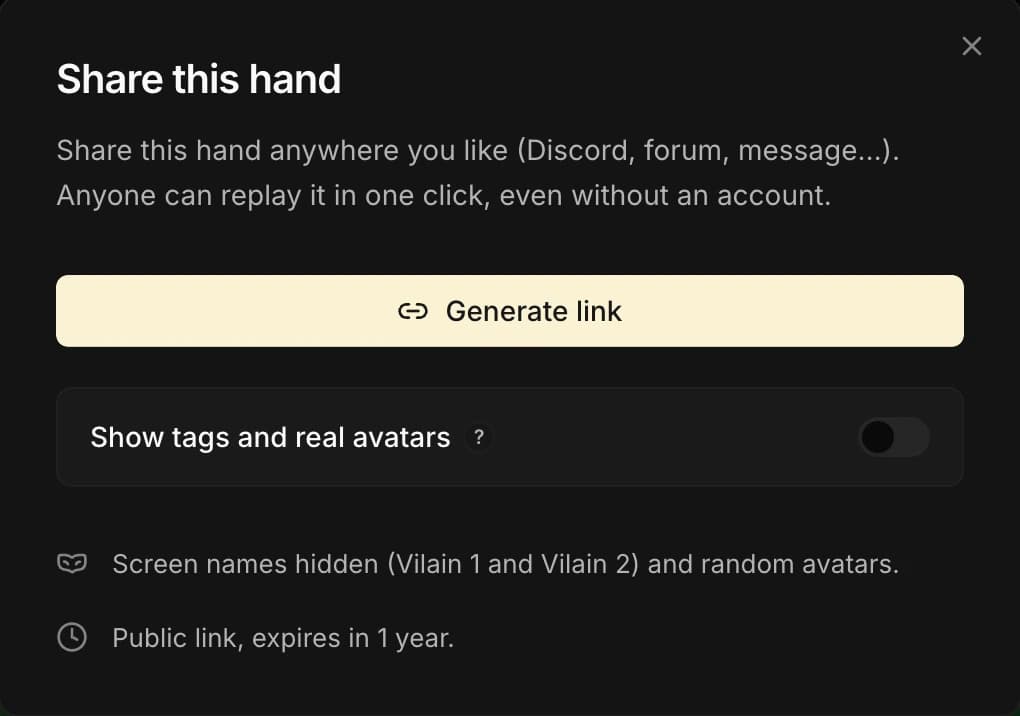
Share links expire automatically after one year.
Past that point, the Replayer is no longer reachable through that link. There is no automatic renewal: to share the same hand again later, come back to the tracker and start a new share (new link, new one-year clock).